
Sharing contact groups
As an administrator on the parent account, you can share contact groups with specific sub-accounts. This means that your sub-account holders will not need to re-create contact groups that already exist under the parent account.
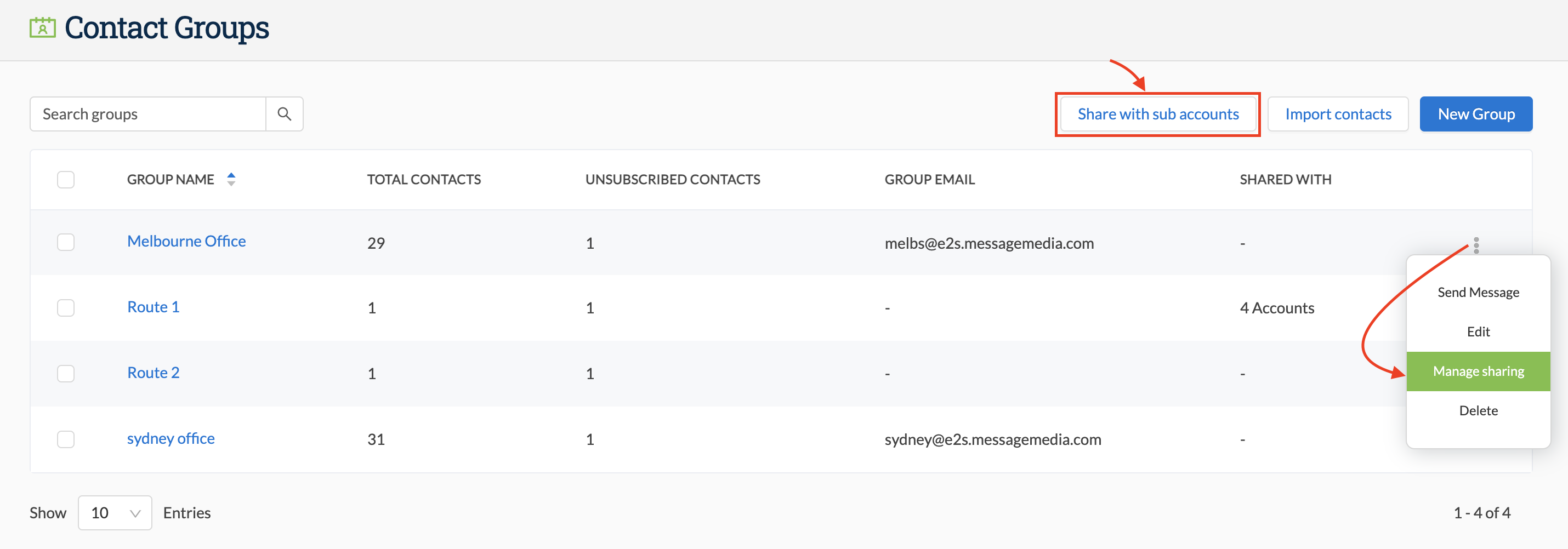
- Go to Contacts > Contact Groups
- Click Share with sub-accounts if you want to share multiple groups at once
- Alternatively, if you want to only share one specific group, click on the three dots next to the account you wish the share and select Manage sharing
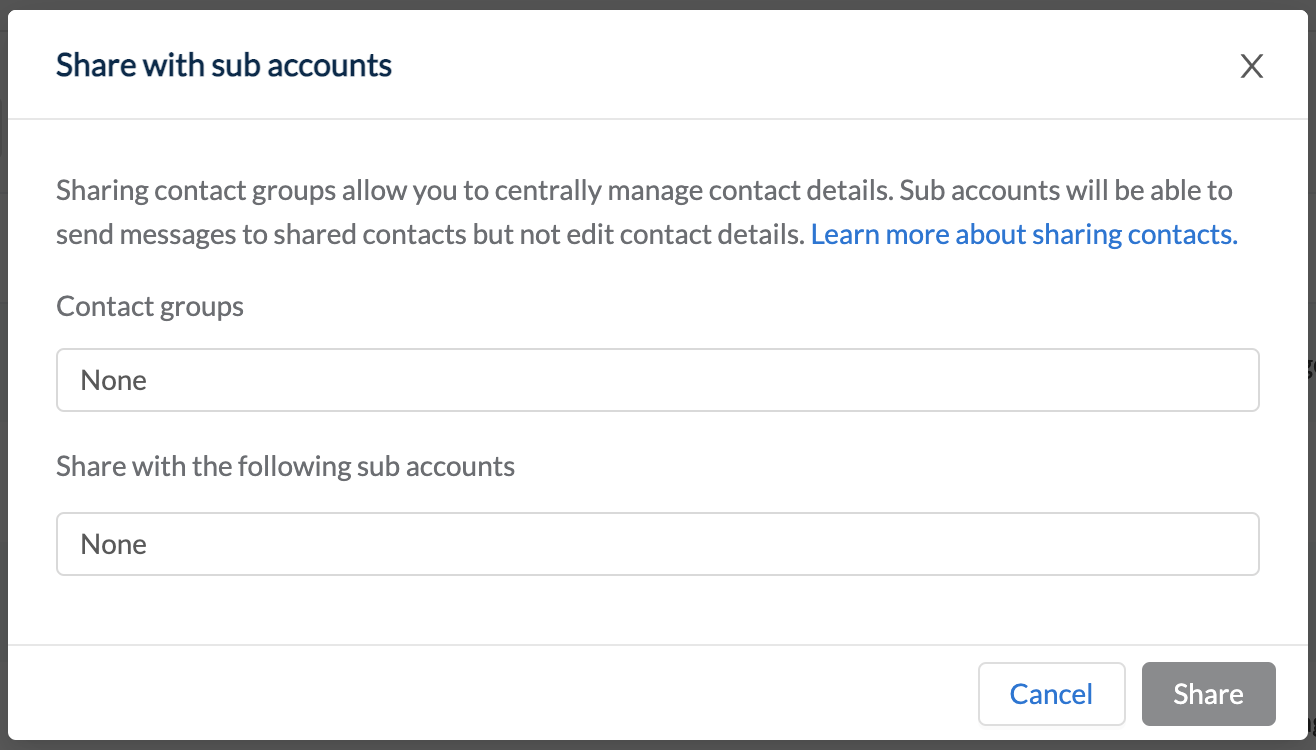
Sharing multiple accounts:
- Search and select the group(s)
- Search and select the sub-account(s)
- Click Share
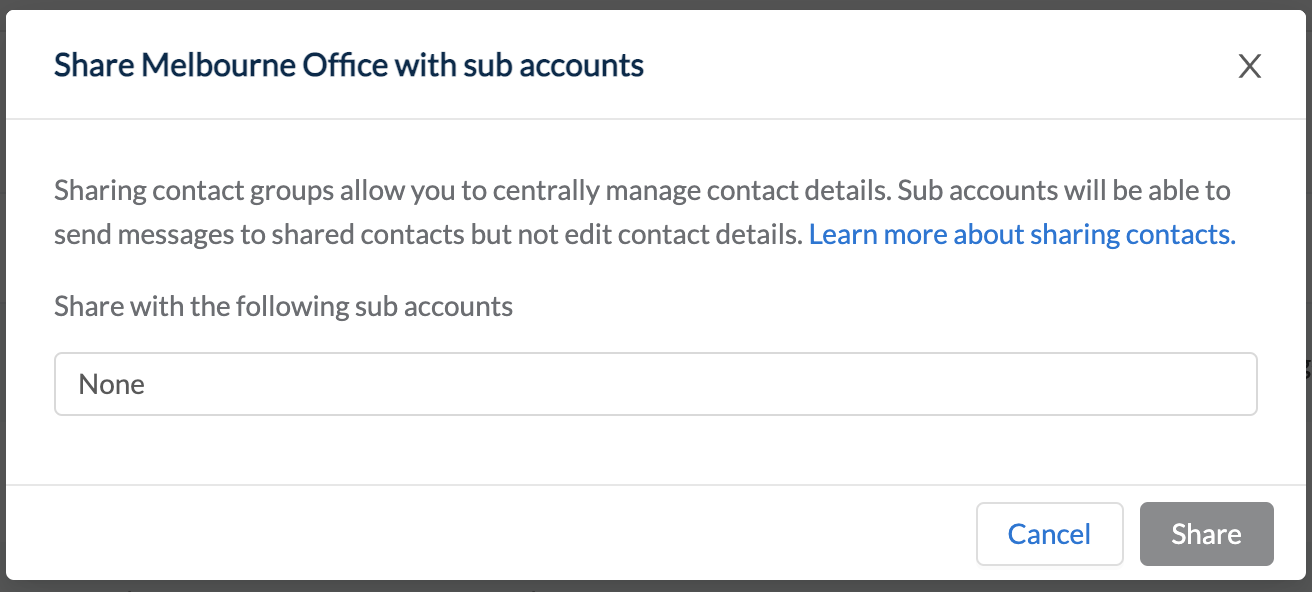
Sharing individual accounts:
- There is no option to select the group as this is predetermined
- Search and select the sub-account(s)
- Click Share
Note: Shared groups can only be managed by administrators at the parent account level. Users and administrators accessing the sub-account can only view and send to shared groups. If you require any modification to a shared group please contact a parent account administrator.